

How to Organize Cords Behind Your TV for a Cleaner Entertainment Center

October 3, 2026

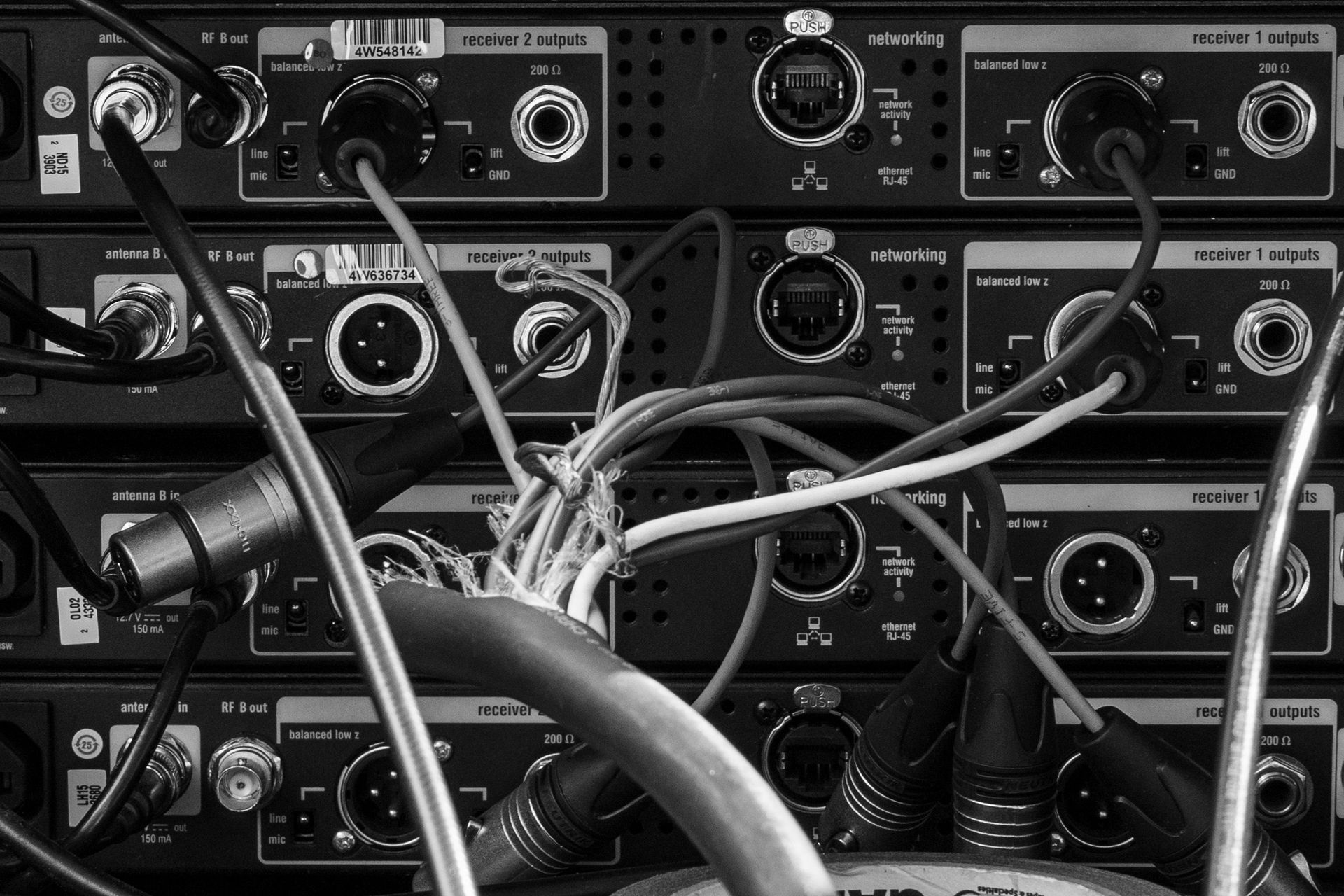
A beautifully arranged entertainment center can make your living room feel more inviting, but there is often one problem hiding in plain sight: the mess of cords behind the television. Between streaming devices, gaming consoles, soundbars, routers, and power connections, it does not take long for cables to become tangled into an overwhelming web. The situation becomes even more frustrating when you need to disconnect a device, troubleshoot a connection, or move furniture for cleaning. Fortunately, learning how to organize cords behind your TV does not require an expensive renovation or a complicated collection of accessories. With a practical plan and a reliable solution like The Gripper Cord Connector, you can create a cleaner entertainment center that is easier to maintain.

The Gripper Cord Connector

Why TV Cord Management Matters More Than Appearance

When people think about organizing their living rooms, they often focus on furniture placement, decorations, lighting, and storage. The cables behind the television rarely receive the same attention because they are usually hidden from view. However, disorganized TV cords can create practical problems that go beyond appearance. Tangled cables are harder to identify, more difficult to clean around, and easier to pull accidentally when adjusting connected equipment.


Proper entertainment center cable management helps keep your setup accessible and easier to maintain. It can also reduce unnecessary stress on cords caused by pulling, twisting, or getting caught behind furniture. The Gripper Cord Connector offers a straightforward way to help keep cords together and organized, making it easier to manage the growing number of cables found in modern entertainment spaces.

Remove Unnecessary Cables Before Organizing

One of the easiest ways to simplify TV cord management is to reduce the number of cables you actually need to manage. Entertainment centers often accumulate cords from old gaming consoles, unused streaming devices, replaced televisions, and accessories that are no longer part of the setup. These cables can remain tangled behind furniture long after the equipment has been removed. Before buying organizers, determine whether every cable still serves a purpose.


Turn off and safely disconnect equipment before removing any unused connections. Avoid unplugging unfamiliar cables until you have confirmed what they do, especially when several devices share a power source or network connection. Once you have identified unnecessary cords, remove them from the entertainment area and store reusable cables in a designated location. Fewer cables make it easier to keep the remaining setup tidy and reduce the likelihood of accidental tangling.

Group TV Cords According to Their Purpose

After identifying the cables you need, the next step is to group them logically. Rather than allowing every cord to hang separately, consider which cables follow the same route or serve related equipment. For example, HDMI cables connecting a television to nearby entertainment devices may be organized together, while power cords can be managed separately. This makes the setup easier to understand when you need to troubleshoot a connection or replace a device.


The Gripper Cord Connector can help keep compatible cords grouped and easier to manage. Instead of letting cables spread across the back of a cabinet, you can use a consistent approach to keep them together where appropriate. Be sure to avoid bundling cables so tightly that they become difficult to access or place unnecessary pressure on their connectors. Organized cable groups should remain flexible enough to accommodate equipment changes without creating new tangles.

Keep Power Cords and Connection Cables Accessible

A common mistake when organizing cords behind a television is hiding everything so thoroughly that accessing a connection becomes difficult. Although a completely invisible setup may look appealing, you may eventually need to replace an HDMI cable, disconnect a console, or restart a device. If every cable is tightly secured or trapped behind furniture, even a simple adjustment can become a time-consuming task.


Instead, organize your cords with accessibility in mind. Keep frequently adjusted connections easy to reach and leave enough slack for normal equipment movement. Avoid pulling cables tight across the back of a cabinet or allowing connectors to bear the weight of hanging cords. The Gripper Cord Connector can support a more manageable arrangement by helping keep cords organized without requiring you to permanently conceal every connection.

Prevent Cords From Getting Pinched Behind Furniture

Television stands, entertainment cabinets, and wall-mounted setups can all create cable management challenges. When furniture sits too close to a wall, cords may become compressed between the furniture and the wall surface. Repeated pressure can damage cable insulation or place stress on the connectors, particularly when furniture is moved without checking the cables first.


Leave sufficient clearance for cords to follow their intended paths without being crushed or sharply bent. If your television is mounted on the wall, make sure connected cables have enough slack for the television's permitted movement. Never force a cabinet against a wall if cables are trapped behind it. A little planning during setup can help protect your equipment and prevent avoidable replacement costs.

Organize Gaming Consoles, Streaming Devices, and Sound Systems

Modern entertainment centers often contain much more than a television. Gaming consoles, streaming boxes, soundbars, receivers, and internet equipment can each add multiple cables to an already crowded space. If every device is connected without a plan, the result can quickly become difficult to manage. A well-organized entertainment center should account for the location of each device and the route its cables need to follow.


Start by arranging equipment according to how it is used and where its connections are located. Keep frequently accessed gaming accessories within reach, and make sure streaming devices and receivers have the ventilation clearance specified by their manufacturers. Group cables where doing so is practical, but avoid forcing power cords and signal cables into tight spaces. The Gripper Cord Connector can help keep the cable arrangement under control as you build a setup that works for your household.

A Simple Living Room Upgrade That Makes Everyday Life Easier

Imagine settling down for a movie night only to discover that your streaming device has stopped connecting. You reach behind the television, but instead of finding the right cable immediately, you encounter a tangled collection of cords that all look alike. Trying to identify the correct connection becomes a frustrating task, especially when the television stand is difficult to move.


Now imagine the same entertainment center with cables grouped logically, unnecessary cords removed, and important connections easy to identify. You can find the relevant cable more quickly, reach the equipment without disturbing everything else, and return the setup to its original condition when you're finished. The Gripper Cord Connector can help support this organized approach by keeping cords grouped and manageable. This small improvement can make everyday activities, from watching television to rearranging your gaming setup, noticeably more convenient.

Common TV Cable Management Mistakes to Avoid

Even a well-intentioned organization project can create problems if cables are handled incorrectly. Some people bundle every cord together, while others hide cables behind furniture without considering access, ventilation, or cable strain. Avoiding these mistakes helps ensure that your cleaner entertainment center remains practical as well as attractive.


Watch out for these common issues:

  • Bundling cords too tightly: Keep cable groups secure without forcing sharp bends or placing unnecessary pressure on the wires.
  • Ignoring damaged cables: Replace cords with exposed wiring or other significant damage instead of continuing to use them.
  • Blocking ventilation: Keep television and electronic equipment vents clear according to manufacturer guidance.
  • Leaving excessive slack loose: Organize extra cable length without creating loops that can snag on furniture or other objects.
  • Making every connection difficult to reach: Leave frequently accessed connections reasonably accessible.
  • Forgetting future upgrades: Allow enough flexibility to accommodate new devices or replacement equipment.


The Gripper Cord Connector can be part of a more thoughtful cable management strategy that prioritizes organization, accessibility, and ease of maintenance.

Maintain Your TV Cable Organization Over Time

Organizing your entertainment center once is a great start, but maintaining it is what keeps clutter from returning. Every new device, gaming accessory, or streaming upgrade can introduce additional cables. Without a consistent system, those new cords can gradually undo the work you have already completed.


Whenever you add equipment, identify its cables and decide where they belong before connecting everything permanently. Periodically check behind the television for unnecessary cords, tangled groups, or cables that have shifted out of position. If you replace a device, remove connections that are no longer needed and update any labels that have become inaccurate. With The Gripper Cord Connector helping you maintain organized cable groups, these small maintenance tasks can become a quick part of caring for your entertainment setup.

Additional Information

For more practical ideas on organizing cables and keeping cords manageable in different environments, visit The Gripper Cord Connector blogs page. The blog offers additional resources about cord organization, cable care, and ways to simplify the cords used throughout your home and workspace. These articles can help you apply the same practical organization principles to computer desks, charging stations, gaming areas, and other spaces where cables tend to accumulate.


Enjoy a Cleaner Entertainment Center With The Gripper Cord Connector

Organizing cords behind your TV does not need to be an expensive or complicated project. By removing unnecessary cables, grouping the connections you use, protecting cords from pressure, and keeping important connections accessible, you can create a cleaner entertainment center that is easier to maintain. A thoughtful cable management system also helps reduce everyday frustration when you need to clean, troubleshoot, or upgrade your equipment. The Gripper Cord Connector offers a practical option for keeping cords grouped and organized as part of that process. If you have questions about improving your entertainment center or would like to get started with The Gripper Cord Connector, reach out today.

📦 Shop Now: https://www.thegrippercordconnector.com/store

📖 Read more tips on cord management: https://www.thegrippercordconnector.com/blogs


Invest in The Gripper today and experience the ultimate solution for simplifying your life through superior cable management. Embrace a future where clutter is a thing of the past, and efficiency, safety, and style come together seamlessly.


Cable Management Mistakes That Could Be Costing You Money
September 5, 2026
Cable management is easy to ignore until something stops working. A charging cable suddenly disconnects, a power cord gets damaged, or you discover that you have purchased the same type of cable three times because you could never find the original. These situations may seem like minor inconveniences, but repeated cable problems can quietly add to your expenses. Poor cable management can also contribute to unnecessary equipment damage, wasted time, and cluttered workspaces. The good news is that avoiding a few common cable management mistakes can help you protect your cords, reduce unnecessary spending, and keep your setup working more efficiently.
The Best Way to Organize Charging Cables Without Creating More Clutter
August 1, 2026
Charging cables have a funny way of multiplying. You buy a new phone, add a tablet, upgrade your headphones, or bring home another smart device, and suddenly the drawer that once held two chargers is overflowing with cables. The problem is not necessarily having too many cords. It is having no simple system for keeping them accessible, separated, and easy to put away. Learning how to organize charging cables can make your home or workspace feel noticeably calmer without requiring a complicated collection of storage products. With the right approach and a practical solution like The Gripper Cord Connector, you can organize your charging cables without creating even more clutter.
How to Prevent Charging Cable Damage and Make Your Cords Last Longer
July 4, 2026
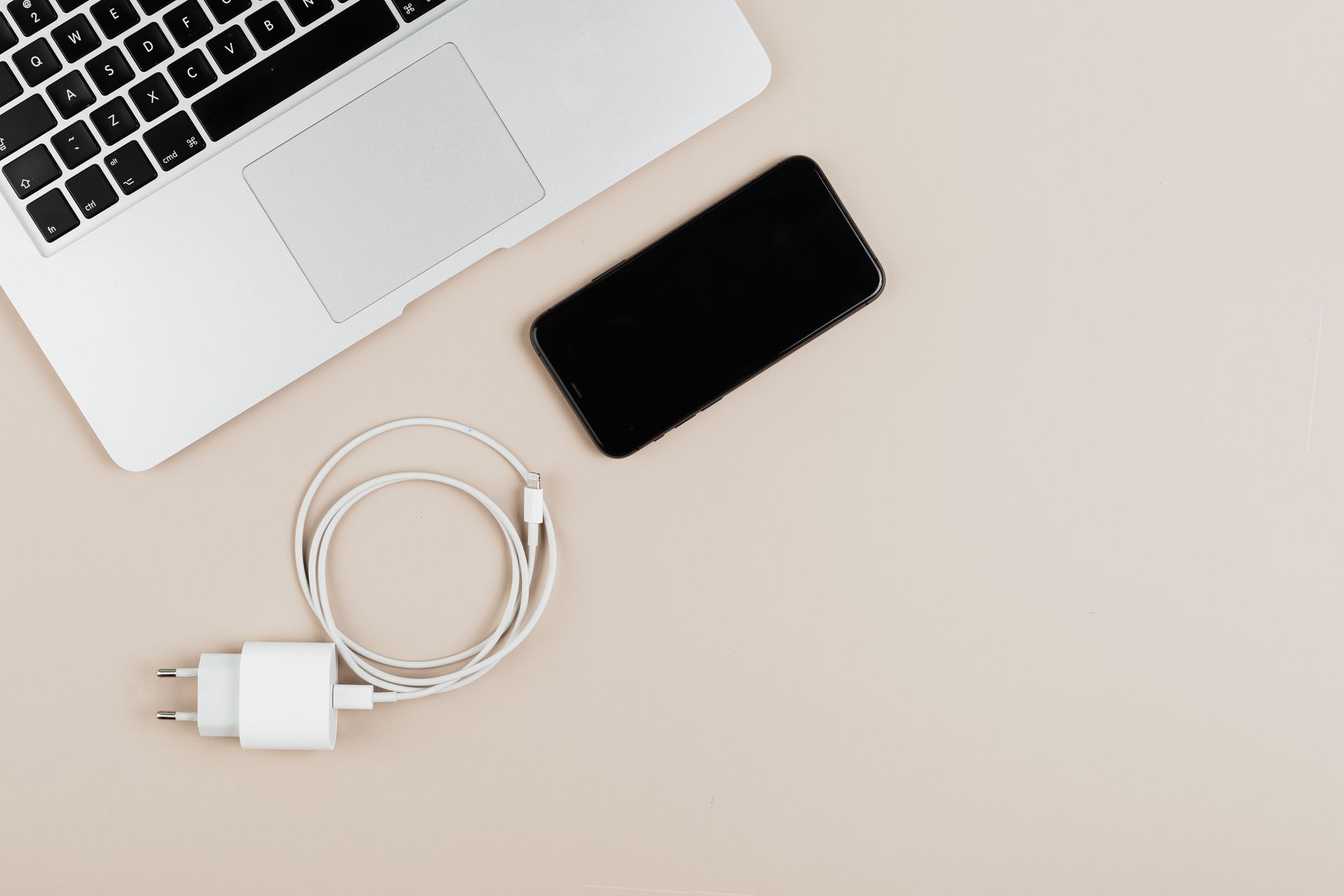
Charging cables are some of the hardest-working accessories in our homes, offices, and vehicles. We rely on them to power smartphones, tablets, laptops, headphones, gaming devices, and countless other electronics every single day. Yet despite how often we use them, charging cables are frequently overlooked until they stop working. Frayed ends, bent connectors, and tangled cords can quickly turn a reliable charger into one that constantly disconnects or fails altogether. Fortunately, with a few simple habits and the right cable management solution, you can significantly extend the life of your charging cables. The Gripper Cord Connector helps make cable care easier by keeping cords organized, protected, and ready whenever you need them.
Show More